Traffic Rider for PC
Using Traffic Rider for PC on Windows PC or Mac offers a convenient way to enjoy a bigger screen and more comfortable controls. To do this, you will need to use either the official Google Play Games website (if it is available for your operating system) or an alternative Android emulator. Both of these solutions will require some setup to be done before you can start playing, but they are generally rather simple and intuitive to set up on a PC. This makes Traffic Rider for PC a practical option for players who prefer desktop gaming.
Can You Play Traffic Rider for PC?
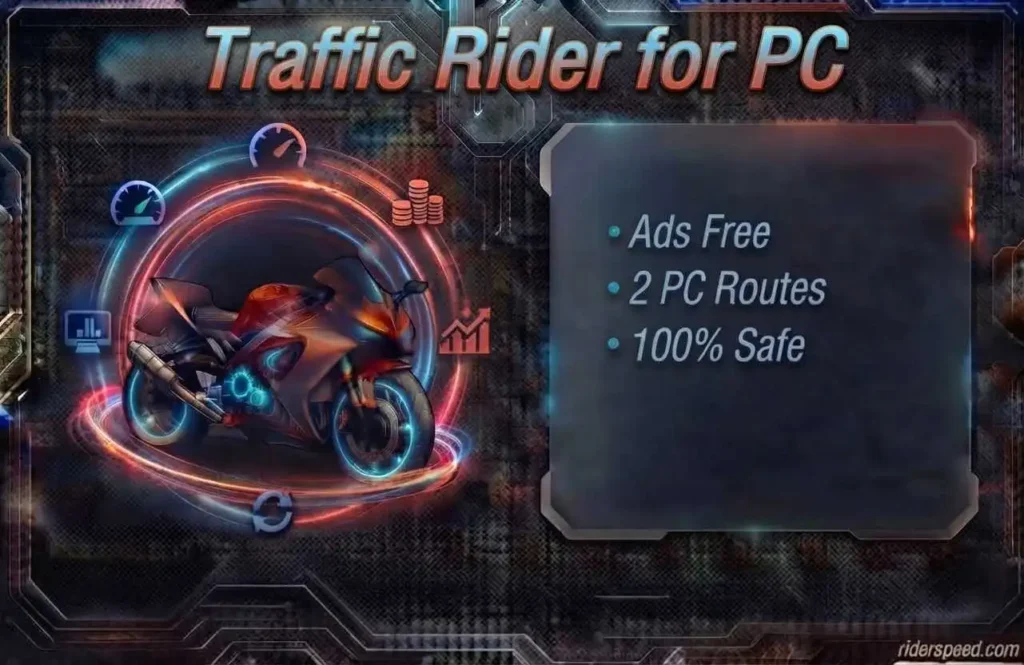
Yes. Traffic Rider can be played on a Windows computer by using the Google Play Games app, if the game and your region are supported. You can also run the Android version on an emulator like BlueStacks or LDPlayer. Mac users generally require a suitable Android emulator since Google Play Games on PC is a Windows exclusive product.
There isn’t an officially published native Traffic Rider installer for every desktop platform made by skgames. Don’t assume a file ending with EXE is an official PC edition. Rather, consult the official Traffic Rider Google Play listing and check which platforms are supported and what the developer’s name is.
This guide focuses on the official way and differentiates the emulator and modified APK methods. If you only need the Android mod build, check out our Traffic Rider Mod APK page’s current file details before porting it to an emulator.
| Method | Best for | Main requirement |
| Google Play Games on PC | Official PC version that updates automatically | A supported Windows PC plus a game that can be found in Google Play Games |
| Android emulator plus Play Store | Windows or Mac users who want to run the regular Android version | A compatible emulator such as BlueStacks, LDPlayer, or another trustworthy service |
| Android emulator plus APK | Those who prefer to install an Android APK themselves | A compatible emulator and an APK that has been checked first |
Our Testing Experience With Traffic Rider for PC
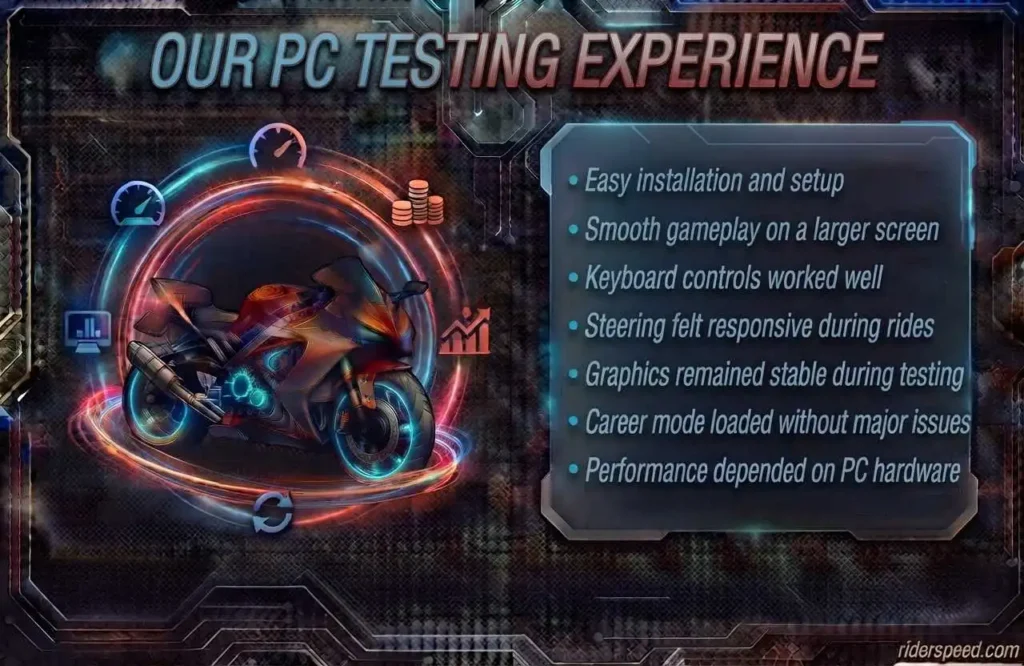
We have tested the android build of the game on the Lenovo V15 G2 laptop with Windows 10 to see how the game would play on a bigger screen. We have used BlueStacks and LDPlayer emulator to see the differences in gameplay through the base setup, first launch, controls, graphics and sound quality, presence of the career mode, and the other notable differences present in the tested build. Both emulators were able to launch the game, but the difference in the performance was notable, depending on how much RAM was allocated to the emulator and if the virtualization was enabled on the laptop.
Overall, playing the game on the laptop screen allowed us to see the road better and make sharper turns and overtake other cars at higher speeds than on a phone. The controls were more responsive after adjusting their sensitivity, though they could not reach the same level of comfort as one would experience on a mobile device due to the lack of motion controls.However, in general, we found that playing on a PC is more convenient in terms of longer
play sessions, video recording, and other activities one would do while being in front of a computer anyway.
Method 1: Official Google Play Games on Windows
If Traffic Rider is available for your Windows PC and Google Play account, Google Play Games is a convenient way to start. You can install the official version directly from Google’s platform, instead of having to download and import an APK. Updates are also handled the same way, making it easier for players that want to have the official release.
How to Set It Up
- Open Google Play Games on your Windows PC and search for Traffic Rider.
- If the game is available for your account and region, install it.
- Install Google Play Games and sign in with your Google account, if you have not done so already.
- Wait for the setup to finish, and pass any compatibility tests your computer may have.
- Install Traffic Rider from your library within Google Play Games, and wait for it to finish.
- Launch the game and take some time to configure your keyboard controls. Start a mission when you are ready.
PC Requirements
Google Play Games has some hardware and software requirements your computer has to meet. These include Windows 10 version 2004 or newer, an SSD with approximately 10 GB of space, 8 GB of RAM, a compatible graphics processor, four physical CPU cores, administrator permissions, and that your PC supports hardware virtualization.
These requirements may change, so it is best to double-check Google’s requirements before installing Google Play Games. This could save you from having to set up the software only to realize your PC does not meet the minimum requirements.
Method 2: Play Through an Android Emulator
If you have an APK file, most emulators offer an option to install it from your PC.
Bear in mind that a mod APK is still an An Android emulator allows you to operate an Android environment directly on your Windows PC or Mac. It can be helpful if the official PC option is not available or if you need more control over such elements as screen size, resolution, keyboard mapping, and other settings. In addition, it allows you to install an Android APK manually, when necessary. For a more efficient setup, it is recommended to download the emulator from the official website, rather than from various download hubs.
Once the emulator is installed, you can sign in to Google Play and install the official version of Traffic Rider as usual. If you are using an APK, most emulators offer a simple APK installation option, where you can choose the downloaded file from your computer.
Bear in mind that a modded APK is still an Android application; thus, running it through an emulator does not transform it into a native Windows or macOS program – the emulator only provides the required Android environment to launch the application; thus, running it on an emulator is not the same as installing it on your Windows or Mac system.
How to Install Traffic Rider on PC With an Emulator
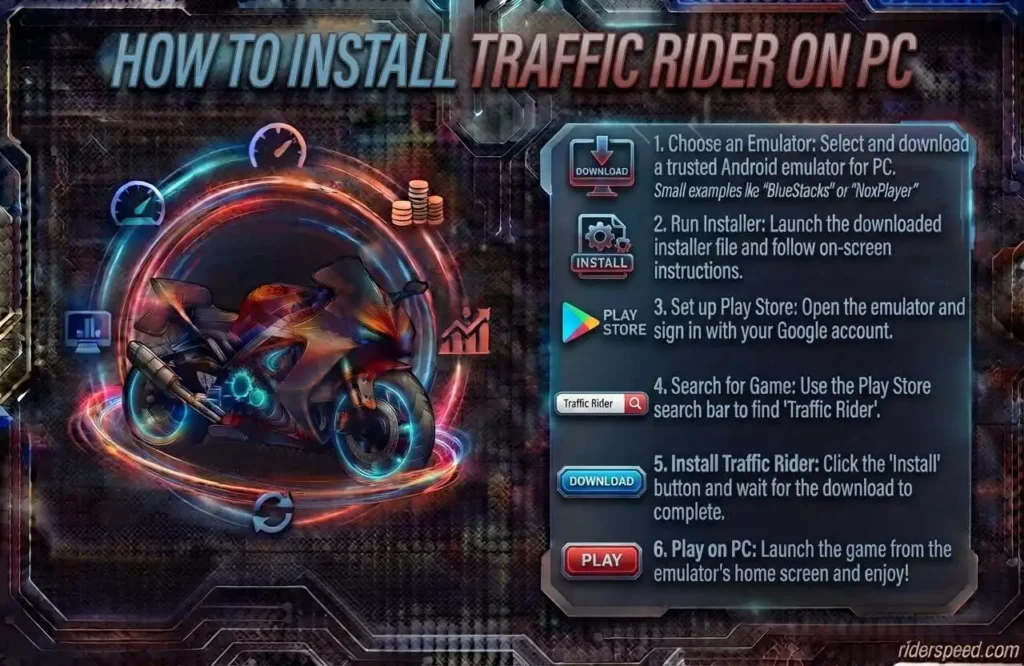
Traffic Rider for PC and Mac: System Requirements
| Requirement | Practical minimum | Recommended |
|---|---|---|
| Operating system | Windows 10, 64-bit | Windows 11, 64-bit |
| Memory (RAM) | 4 GB RAM | 8 GB RAM or more |
| Storage | Keep at least 10 GB free | 15 GB+ free on an SSD |
| Processor | A reasonably good dual-core CPU | Quad-core CPU or better |
| Graphics | Built-in graphics should be enough | Newer integrated or dedicated graphics |
| Virtualization | Turn it on if your emulator requires it | Keep hardware virtualization enabled |
Google Play Games has its own set of requirements, so it may not work on all the computers that can run a basic Android emulator. We recommend that you leave your laptop connected to a power source while you play and use the balanced or performance power mode.
For Macs, everything is more complicated and depends on the emulator and processor. Before installing, make sure that the program works with your Intel Mac or Apple’s silicon. If you are using an iPhone or iPad, then you can go to our Traffic Rider for iOS page.
Yes, Traffic Rider can be played on Window PC via emulator such as BlueStacks or LDPlayer.
There is no official recommendation as which emulator is the best to play Traffic Rider since a lot depends on the PC specs.
Yes, almost all the emulators have an option to install the apk directly on the emulator from PC.
Yes, it is always advisable to use virtualization of the emulator.
Yes, you can use the keyboard to control the game and the controls can be set up as you like.